How to choose an ERP for a Greek SME in 2026
What matters when choosing an ERP in Greece in 2026: e-invoicing and myDATA, stock, B2B orders, bank and total cost — and the questions to ask before you sign.
Until a few years ago, a small Greek business chose its invoicing software on one criterion: it had to produce correct documents the accountant could work with. In 2026 the landscape is different. E-invoicing through a certified provider is becoming mandatory for every business, the digital delivery note already applies, and every invoice’s data reaches myDATA, the tax authority’s platform, the moment it is issued.
That doesn’t mean you need the biggest or most expensive ERP on the market. It means the wrong choice now costs more: in double data entry, in a second subscription for the provider, in stock that doesn’t add up, in hours lost every month. This guide puts the criteria that really matter for a small or medium-sized business in order — along with the questions worth asking before you sign.
Your workflow first, not the feature list
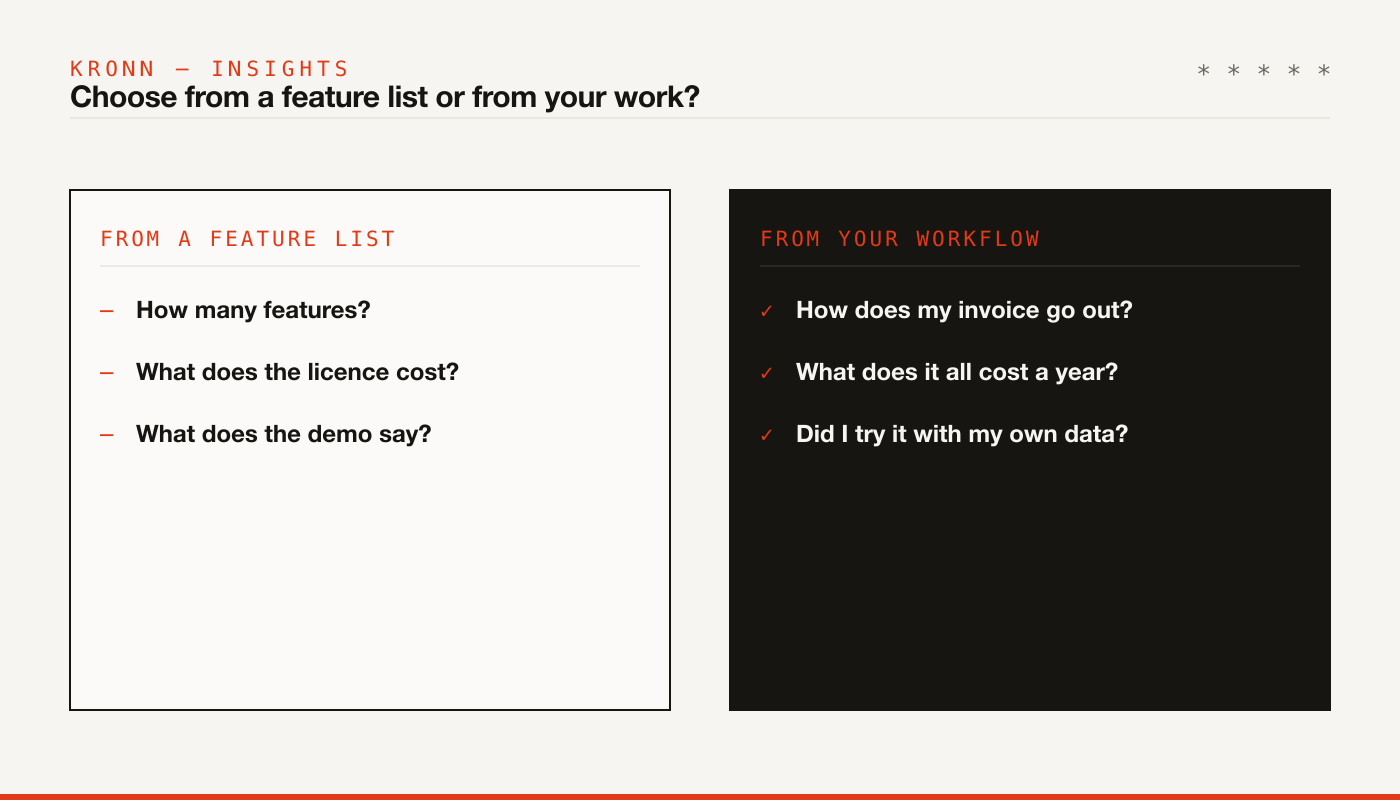
The most common mistake is comparing software by which one has the most features. Every demo shows dozens of screens; most of them you’ll never need. What matters is whether the software covers your workflow, end to end, without retyping the same data.
Before you look at any product, write down on one page how you work today:
- How does an order or a customer request arrive (phone, email, online shop, sales rep)?
- What do you issue: invoices, receipts, delivery notes, quotes?
- Do you hold stock? In one warehouse or several?
- How do you get paid, and how do you see who owes you?
- Who will use the software, and from where (office, phone, on the road)?
With that page in hand, every demo becomes far more useful: you stop asking “what does it do” and start asking “how does it do this”.
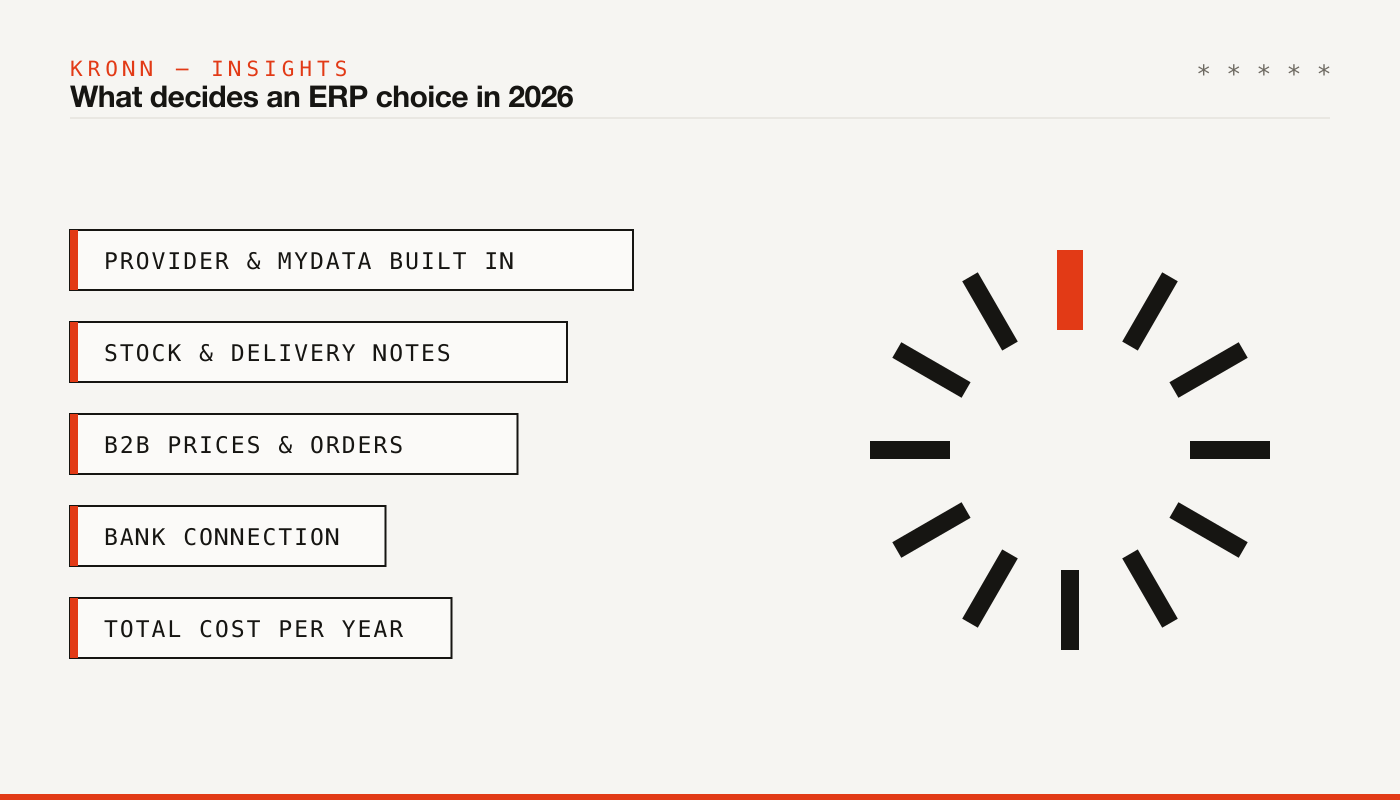
1. E-invoicing and myDATA: built in, not bolted on
Mandatory B2B e-invoicing has applied since 2/3/2026 to businesses with 2023 revenue above €1,000,000. For everyone else it starts on 2/11/2026, with a phase-in period until 31/1/2027; from 1/2/2027, B2B invoices are issued only through a provider or AADE’s own apps. All the dates, with their sources, are in our article on Greek e-invoicing and myDATA in 2026.
In practice, invoicing software without a provider is half a tool. Ask:
- Is the provider included, or a separate contract? If separate, who pays, how much, and who helps you when something doesn’t go through?
- Is there a charge per document? If so, work it out for your own volume.
- What happens when myDATA rejects a document? Can you see the error in plain words and fix it yourself?
- Does everything go the same way? Invoices, credit notes, retail receipts, delivery notes.
If you move goods, add the digital delivery note: phase A has applied since 1/12/2025 and phase B (loading, transshipment, receipt) starts on 1/1/2027. Your software must issue delivery notes digitally — and, from 2027, help you receive the ones addressed to you.
2. Stock: what you have, what’s coming, what you’ve promised
If you sell products, stock is where most software shows its limits. One “available” number isn’t enough. You need three:
- What you have in stock, per warehouse if you have more than one.
- What you’ve promised on customer orders that haven’t shipped yet.
- What’s coming from suppliers, on orders or delivery notes you’re expecting.
Also look at how goods come in: from the supplier’s invoice, from their delivery note, or both — and whether the software prevents receiving the same goods twice when the invoice arrives after the notes. That’s a daily problem for anyone whose suppliers invoice monthly; we cover it in our article on stock control with monthly invoicing.
3. B2B: per-customer prices, quotes, orders
If you sell to businesses, every customer is a different deal. The software has to remember each one’s prices, discounts and payment terms and apply them on its own — on the quote, the order and the invoice.
Check for:
- Price lists per customer category and special prices per customer.
- Quote → order → invoice without retyping anything.
- Partial fulfilment: ship what you have, the rest stays on back order, invoice only what was delivered.
- Credit limits and a warning about overdue invoices before you fulfil an order.
- Customers abroad: documents in English, VAT numbers checked in VIES, the right document type.
The whole flow is covered in our article on B2B ordering from quote to invoice.
4. Bank and collections
The money owed to you is the most critical number in a small business — and often the blurriest. Good software shows, without a spreadsheet, who owes what and since when.
Ask whether it connects to your bank and matches payments to invoices on its own (with a payment code per document, for example), whether it handles partial payments and advances, and whether it produces a receivables aging report. The difference between “we enter payments by hand every Friday” and “we see them every morning” is hours each month — and phone calls made in time.
5. Total cost, not the licence price
The price on a web page is rarely what you end up paying. Ask for the yearly total for your volume, everything included:
- The subscription or licence, and what each plan includes.
- The e-invoicing provider, if charged separately.
- Charges per document or per user.
- Setup, data migration from your old software, training.
- Add-ons: bank connections, online shop, AI document reading.
- What happens at the end of the term: does it renew automatically? Can you take your data with you if you leave?
And one cost that’s written nowhere: your people’s time. Cheap software that keeps someone copying data between systems for two hours a week isn’t cheap.
Test it with your own data
No demo replaces a week of trying it with real data. If the software allows it, load a few customers and items, issue a test invoice, a credit note, an invoice to a customer abroad. Look at the PDF the way your customer will see it. Show it to your accountant. Ask the person who’ll use it every day — they’re usually the first to spot what will slow them down.
Ten questions before you sign
- Does it cover my whole workflow, from order to payment?
- Is an e-invoicing provider included, and at what cost?
- Does it issue digital delivery notes?
- How does it handle stock: available, reserved, incoming?
- Does it remember prices and terms per customer?
- Does it connect to my bank?
- Does it produce documents in English for customers abroad?
- What is the total yearly cost for my volume?
- Who helps me when something doesn’t work, and how fast?
- Can I try it first, without commitment?
Where Kronn Smart fits — and where it doesn’t
We built Kronn Smart for exactly this case: Greek small and medium-sized businesses that want invoicing with the provider built in, myDATA, collections and bank, stock and an industry pack, in one program. The provider is included in every plan, prices start at €10 a month + VAT billed yearly (details on the pricing page), nothing renews automatically, and you can try everything in demo mode without a card.
It isn’t for everyone. Kronn Smart is not a manufacturing system (MRP): if your work is mainly production with recipes and process costing, or you need something very specific to your operation, a specialised system or a custom tool will serve you better. We’ve written an honest decision guide for that dilemma.
If you’d like a second opinion before you decide — on any software, not just ours — write to us and we’ll look at it together.
Sources
- AADE, press release 30/9/2026 (in Greek): e-invoicing dates for Period B and phase B of digital movement documents.
- AADE, press release 17/2/2026 (in Greek): Period A of e-invoicing.
- AADE, press release 29/10/2025 (in Greek): phase A of the digital delivery note from 1/12/2025.